Google Glass in 2020
Restoring a "dead" Google Glass Explorer Edition, years after it was discontinued.
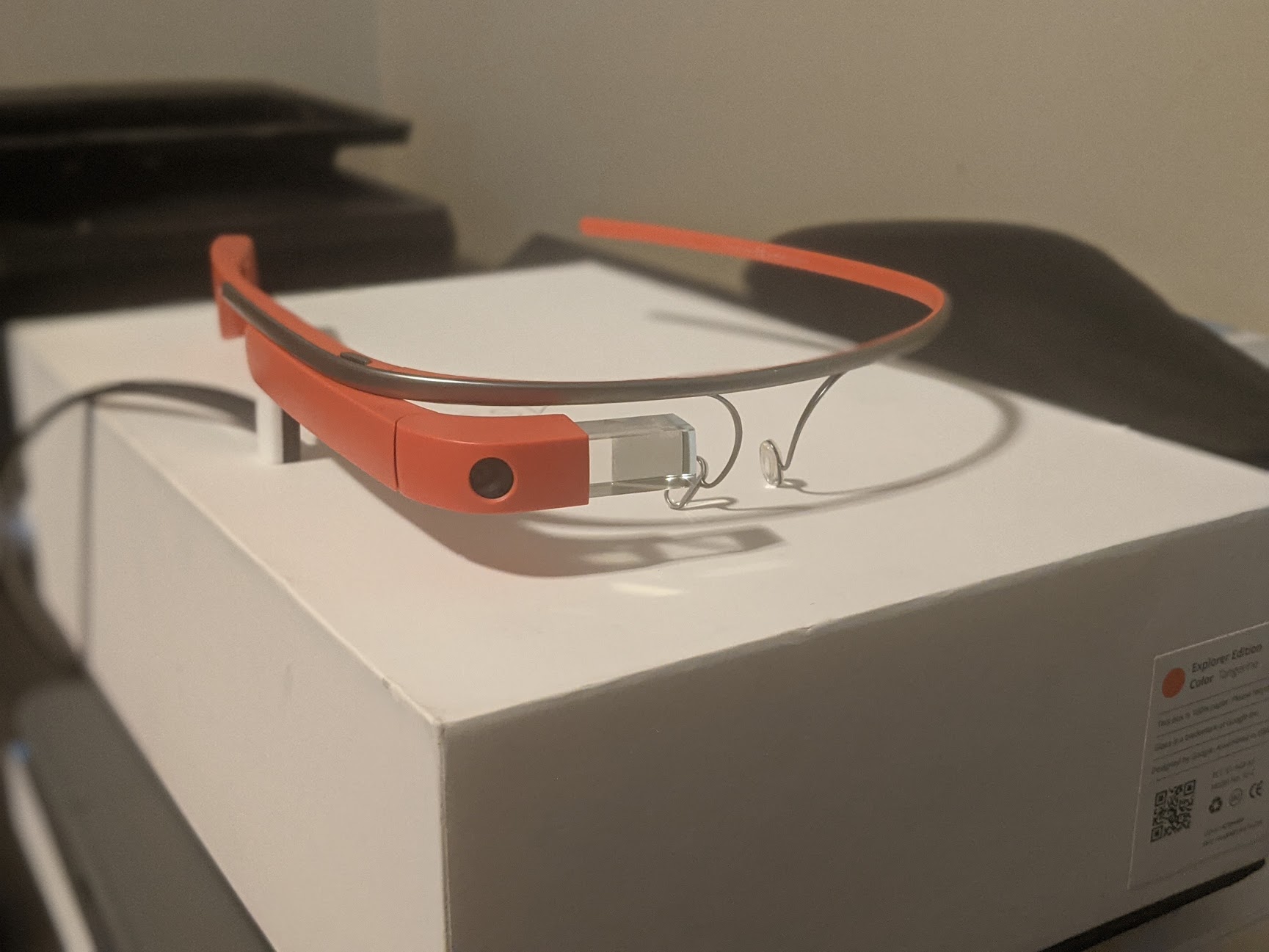
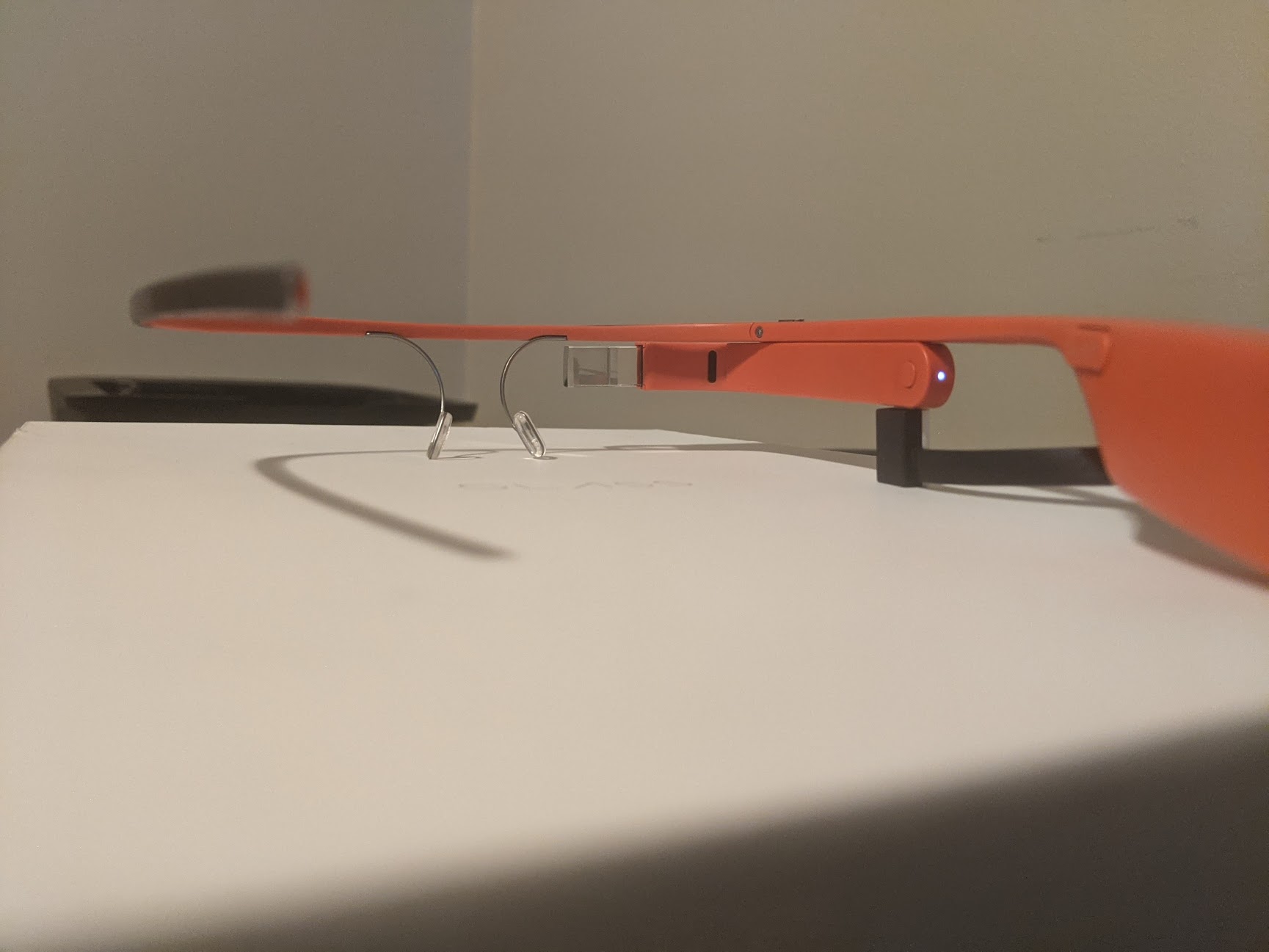
In December 2020, I bought myself a Google Glass explorer edition off ebay for $256. The seller said it was “For parts” because it would bootup, but all the applications would constantly force close, and it was unusable. To me, this was a challenge. Plus, ever since seeing these in 2012, I’ve always wanted a pair so damn bad.
A lot went into this with trial and error. Im summarizing about 5 hours of work in this short writing. (Drivers, Flashing Software & getting adb functional)
Delivery!
I’ve never been more excited for a package to come in the mail. Its been a hell of a long time. Finally upon getting the package in, I unboxed it and confirmed that it was force closing and there was no obvious front & center fix. Getting Drivers
So the first thing I needed to do was get this thing on the XE24 software version. XE24 is the last software release Google let out before sunsetting the consumer models. Luckily the files & guide were super easily accessible on Googles doc pages. However, I couldn’t just plug this thing into my PC like a cell phone. Sure its android, but drivers weren’t just openly available for them.
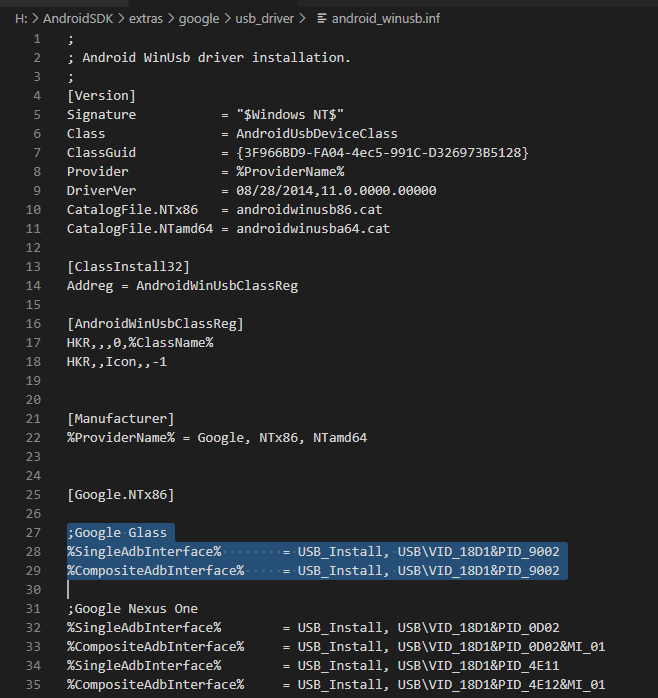
Following @jeffzzq’s guide (who also restored life into Glass in the same year), outlined how to get the drivers going. This involved taking the Hardware ID in device manager and spinning up my own altered drivers. So I grabbed Android Studio, and the USB drivers, and added my own lines:
;Google Glass
%SingleAdbInterface%        = USB_Install, USB\VID_18D1&PID_9001
%CompositeAdbInterface%     = USB_Install, USB\VID_18D1&PID_9001&REV_0216
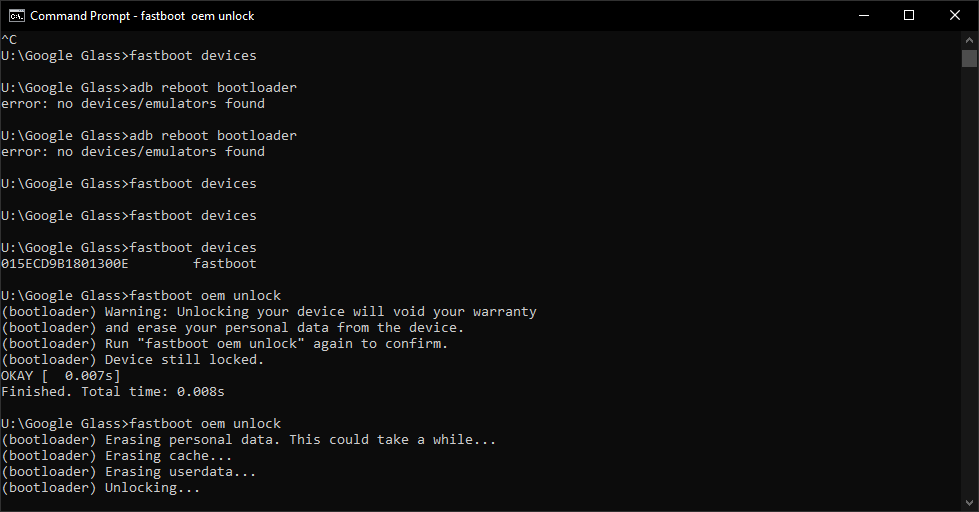
According to Device manager, it seemed to be working. Then next step was to boot into a mode called “Fastboot”, which is a recovery mode of sorts. This would allow me to flash the new software. Finally figured out holding the Power Button & the Camera Shutter for 2 seconds, then continuing to hold the camera button for 10-15 seconds got it into fastboot mode. A quick fastboot devices showed the serial number. Confirming the drivers worked!
Flashing XE24
XE24 is the final update that removed the requirement for a google account. Its to my understanding this prepared the devices for sunsetting as it removed all the Google Play Services integration as well. The “MyGlass” management application is no longer available on the Play Store. Downloading the APK won’t do you any good as it won’t get past your google account verification. I followed the “Final Software Update guide” on the Google help doc. This provided the files needed. Boot.img, recovery.img and system.img. I opt’ed for the dev modified boot.img that allowed for root level adb access. This would be critical for sideloading other applications. This required several hoops to jump through:
- Unlocking Bootloader. This took 15 minutes before I finally killed the operation. Luckily it didn’t brick.
- Boot.img issues. I got a weird
fastboot: error: Couldn't parse partition size '0x' error. A quick google search led me to the solution of having to run fastbootflash:raw boot boot.img, adding the:rawparameter. - Flashed Wrong Boot.img. I forgot to flash the rooted boot.img, so I had to turn around and redo the process again later.
But in the end, I was left with a functional Google Glass unit. Although, with some severe limitations since Google gutted most of its functionality. Next Steps
My end-game goal is notifications from my phone. So, I’ll have to do a few things:
- Adding a custom launcher for showing unofficial applications
- Adding a middleman platform for passing notifications
- Playing around with useful applications
Screenshots